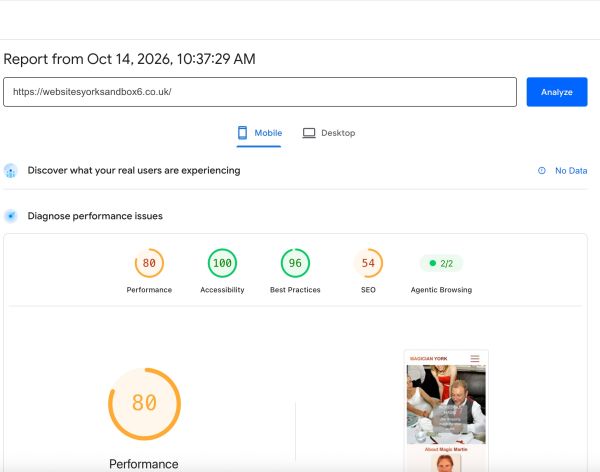
Whenever I build a website, I always use tools to test/audit my sites and I pay particular attention to the metrics that Google measures with its Lighthouse tool. I also use PageSpeed Insights to get feedback on performance, especially regarding the Home page of any website. My analysis here is based on what I have measured using Page Speed Insights which is usually, I find, more consistent than Lighthouse. No attempt has been made to introduce any SEO parameters as this is simply a test site.
The site is currently: https://websitesyorksandbox6.co.uk/
I have been experimenting with TCMS3 for a few weeks now to see how I can use it for client sites and I have been paying particular attention to the performance aspects, namely how fast is page loading going to be when I build a site where the bulk of it is controlled by the CMS.
I feel that it is an important feature of the sites that I build that they can show at least three featured blog post images on the Home page. With TCMS1 (which this site uses) they have to be displayed as JPG images. There is potentially a big benefit for TCMS3 in that it supports using webp format images in blog posts. Webp images are smaller/faster than JPG or PNG images without losing too much image quality.
Another factor that is helpful is that the TCMS3 site I have been experimenting with supports lazy loading of the container containing the blog post images. This never worked for me with TCMS1. I couldn't get TCMS1 blog posts to work inside 'Raincheck' the Foundation 6 lazy loading stack.
So my findings from my testing so far support the following action plan for any new website:
1) Reduce images shown on mobile to 55% quality
2) Use two versions of each image - small and medium/large. This can be done by:
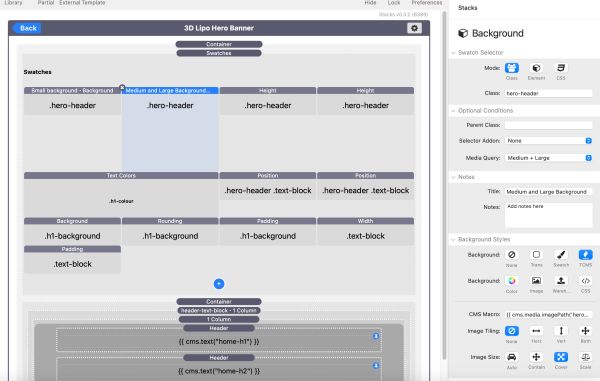
a) In the case of a background image in the banner, using two background swatches with different twig settings
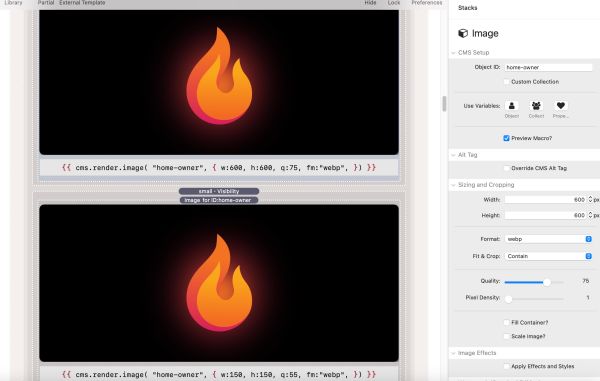
b) Using a visibility stack and two instances of TCMS3 Image stack with different attributes
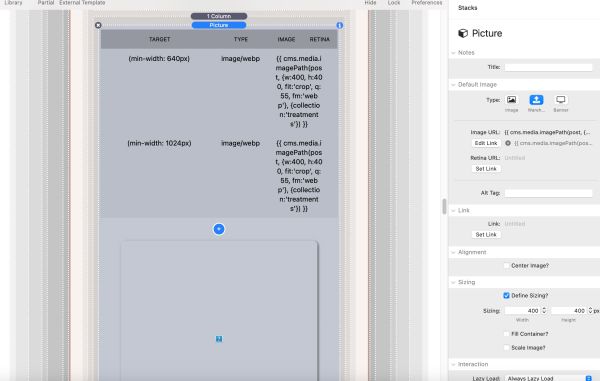
c) Using a Picture stack and specifying different sizes and quality of image in each of small, medium and large using twig
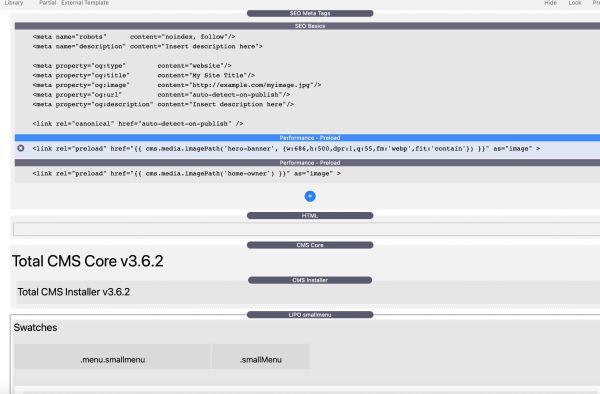
3) Preload the small version of whatever banner image appears above the fold using the twig parameters to load it
4) Use the 'Raincheck' stack to lazy load the content for every container below the fold including blog posts (which now works with TCMS3) (It didn't previously work with TCMS1). This may not be necessary as the blog post image itself supports lazy loading.