How to Create and Style Editable Tables in Total CMS 3 and RapidWeaver
One of the things I aim to achieve when designing websites for my clients is to make updating their content as straightforward as possible. Ideally, clients should be able to change text, images, prices and other information without needing any knowledge of HTML or CSS.
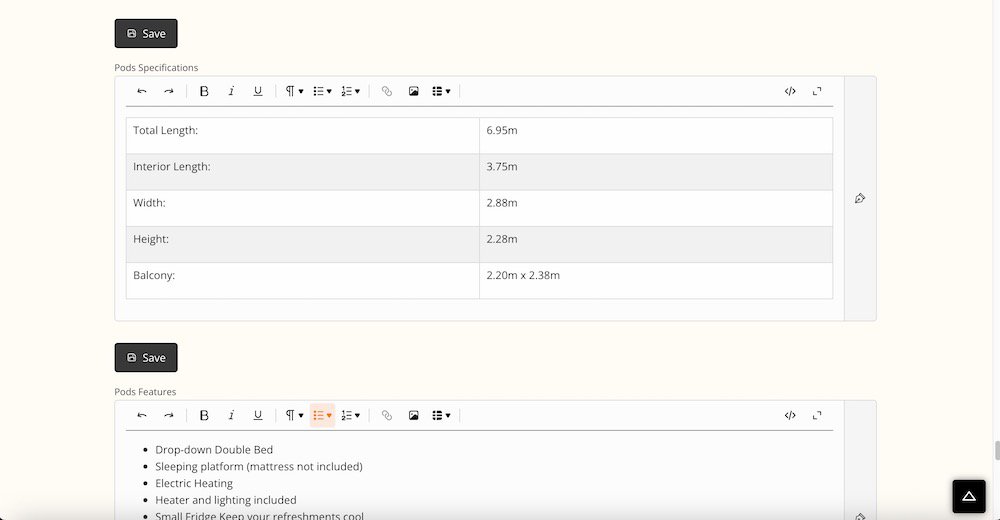
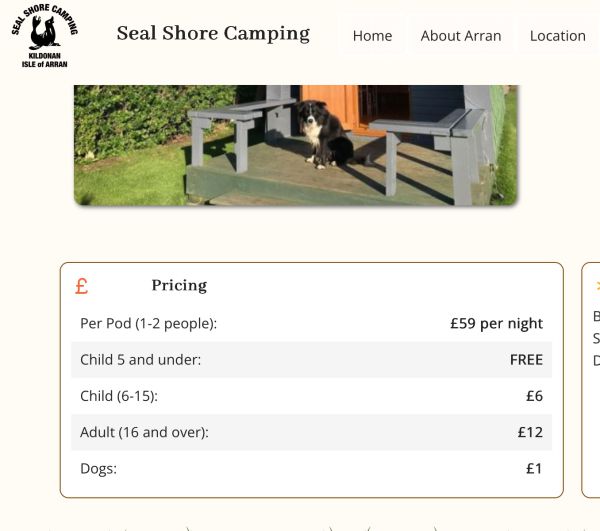
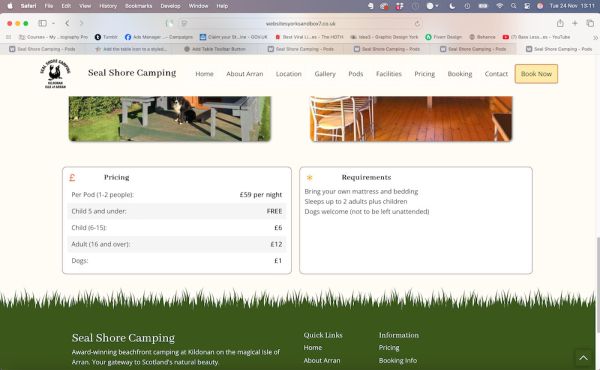
Whilst developing a new website for Seal Shore Camping on the Isle of Arran, I wanted to provide the client with a simple way of editing tables containing accommodation specifications and pricing information.
I'm building the website using RapidWeaver Classic, Foundation 6 and Total CMS 3 (TCMS3).
Although Total CMS 3 supports tables within its StyledText editor, the method of enabling this functionality wasn't immediately obvious. Having now found a solution, I thought it would be useful to document the process for other RapidWeaver users and for my own future reference.
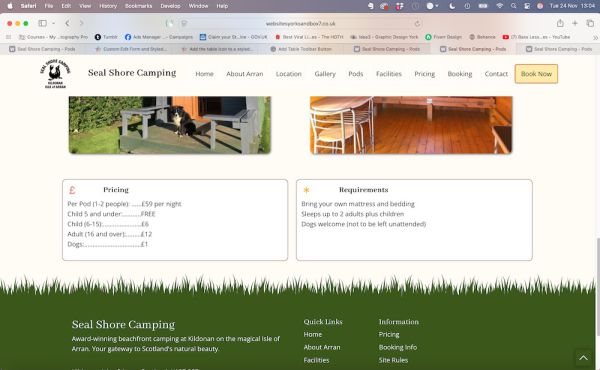
The Problem – No Table Button in the StyledText Toolbar